
NovaStar Receiving Card Troubleshooting Guide
A practical troubleshooting workflow for NovaStar receiving-card faults, including power checks, signal path tests, NovaLCT configuration, HUB outputs, ribbon cables, and replacement decisions.
Control System Diagnostic Workflow
Cover photo: LEDFixLab Academy — source · used with site-owner permission. Resized/WebP; no AI retouching.
NovaStar Receiving Card Troubleshooting Guide
A receiving-card fault can look like a dead module, wrong scan setting, ribbon cable problem, power issue, or software mapping mistake. This guide shows a practical order for checking NovaStar receiving cards before replacing hardware.
1. Identify the Symptom Before Touching the Hardware
Do not replace a receiving card simply because one cabinet or module is abnormal. First document the visible symptom: full cabinet black, one receiving-card output missing, wrong color order, shifted image, random flicker, no response in NovaLCT, or intermittent failure after warm-up.
| Symptom | Likely area | First check |
|---|---|---|
| Whole cabinet black | Power, network signal, receiving card, cabinet mapping | Check 5V input, Ethernet link LED, and NovaLCT detection |
| Only one output group fails | HUB port, ribbon cable, module row, output channel | Swap ribbon cable and compare with a good output |
| Image shifted or repeated | Scan configuration or cabinet file | Reload correct RCFG / receiving-card parameter file |
| Wrong color order | RGB sequence setting or module type | Run solid red, green, blue test patterns |
| Random flicker | Network cable, power ripple, grounding, refresh settings | Test with a short cable and stable power supply |
2. Check Receiving Card Power First
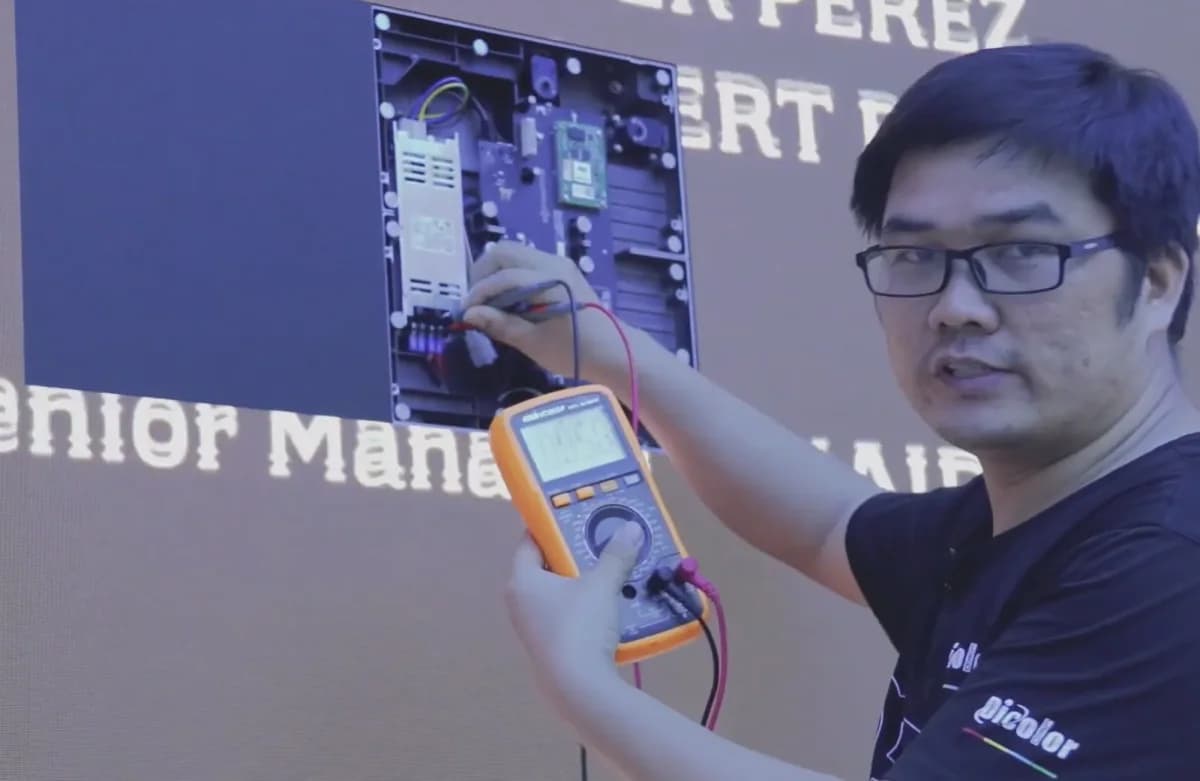
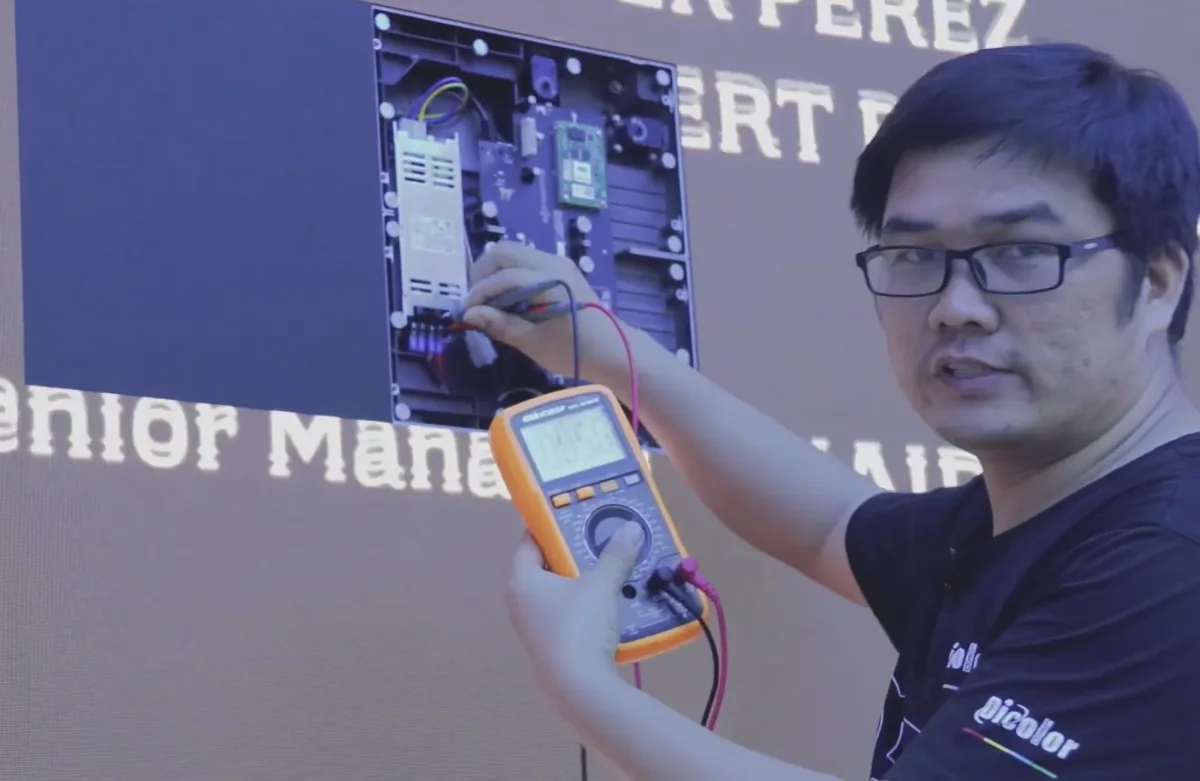
Most NovaStar receiving cards require stable 5V DC from the cabinet power system. Use a multimeter to measure the card input while the screen is running. A card may boot at no load but fail when modules draw current. If voltage drops, inspect the power supply, DC cable, terminal block, fuse, and cabinet power distribution before blaming the card.
Healthy power signs
- Stable 5V at the card input
- No large voltage drop when full white is displayed
- Connector is not hot or discolored
- Power indicator stays steady
Warning signs
- Voltage falls below the normal range under load
- Card reboots when brightness increases
- Ethernet link drops randomly
- Burnt smell, corrosion, or loose terminals
3. Verify the Signal Path
Use a known-good Ethernet cable and connect the receiving card directly in a simple chain. Check whether the card is detected in NovaLCT. If it is not detected, try another sending-card output, another network cable, and a known-good receiving card in the same cabinet position.
4. Confirm the Correct NovaLCT Parameters
A wrong receiving-card configuration can imitate hardware failure. Always confirm module resolution, scan mode, decoding IC, data group order, OE polarity, color order, and cabinet mapping. If you have a working cabinet of the same batch, read back or export its parameter file and compare it before writing new data.
| Setting in NovaLCT | What can go wrong | Repair action |
|---|---|---|
| Scan mode | Image repeats, shifts, or shows wrong rows | Load the matching module scan configuration |
| Data group exchange | Upper/lower sections swapped | Adjust group order or import correct RCFG |
| Color sequence | Red/green/blue displayed incorrectly | Run RGB test and set correct color order |
| Cabinet mapping | Cabinets display in wrong position | Rebuild screen connection map |
| Brightness / calibration | Uneven brightness or color patches | Check calibration data and receiving-card coefficients |
5. Isolate HUB Board and Ribbon Cable Problems
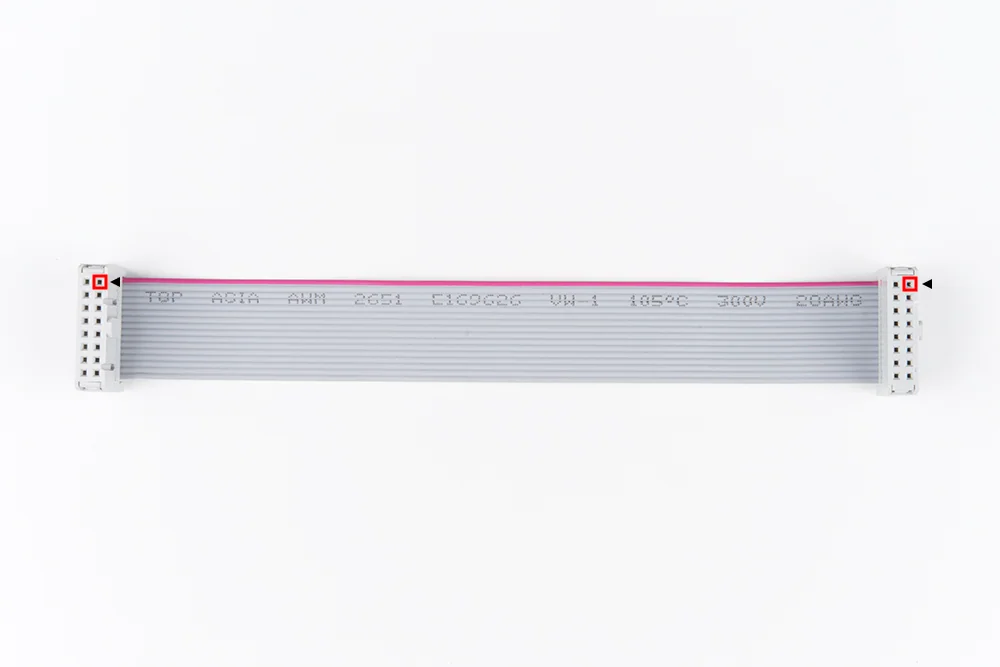
If only some module rows or columns are missing, the receiving card may be healthy while the HUB board, ribbon cable, or module input is bad. Swap the suspect ribbon cable with a known-good one. If the fault follows the cable, replace the cable. If it stays on the same HUB output, inspect the HUB board and connector.
6. When to Replace the Receiving Card
Replace the card only after you have confirmed stable power, a good network cable, correct NovaLCT configuration, and a known-good HUB/module path. Strong replacement evidence includes no detection in NovaLCT on multiple cables, no link indication, repeated rebooting with stable 5V input, visible burned components, or the fault following the card to another cabinet.
Recommended Tools
- Digital multimeter
- Known-good NovaStar receiving card
- NovaLCT software and correct RCFG file
- Short tested Ethernet cable
- Signal ribbon cables
- LED module tester or test pattern source
- 5V power supply or stable cabinet power source
- Small screwdriver and ESD-safe handling tools
FAQ
Can a wrong NovaLCT file make a good receiving card look broken?
Yes. Wrong scan mode, color sequence, or data group mapping can create severe display errors even when the card and modules are healthy.
Should I update firmware during troubleshooting?
Only after saving the current configuration and confirming that the hardware is stable. Firmware update should not be the first step for a simple cable, power, or mapping fault.
What is the fastest field test?
Use a known-good receiving card with the same parameter file in the same cabinet position. If the fault disappears, the original card or its saved parameters need deeper inspection.