LED Display Driver IC Failure Symptoms
A professional guide to common LED display driver IC failure symptoms, including vertical lines, missing colors, ghosting, flicker, thermal faults, shorted outputs, scan-related defects, and how to separate IC failure from LED bead, connector, power, or receiving-card problems.
Driver IC Troubleshooting
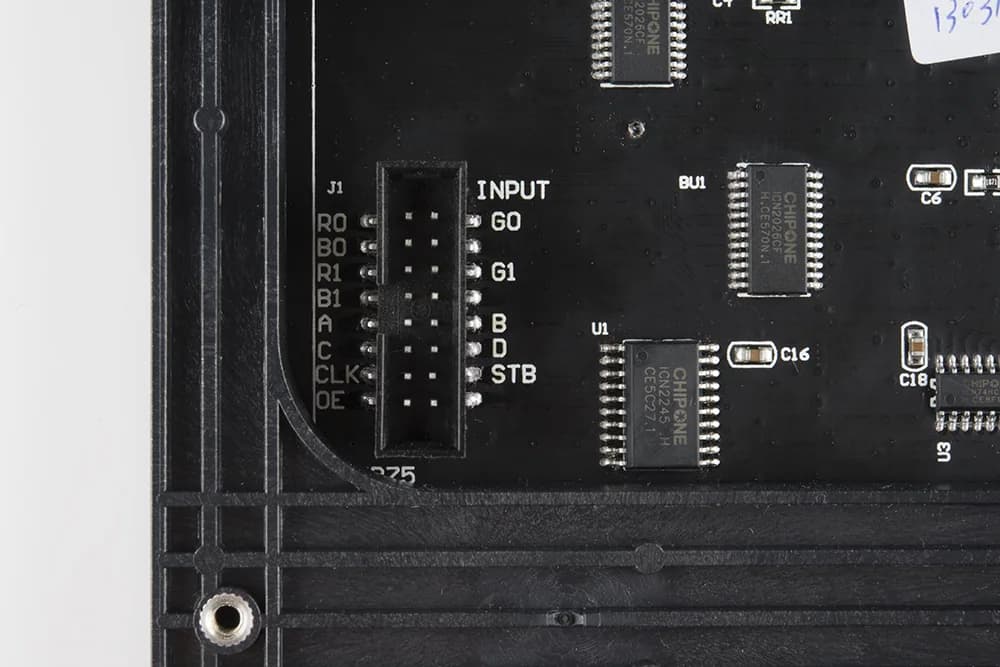
Cover photo: SparkFun Electronics / RGB Panel Hookup Guide (jimblom) — source · CC BY-SA 4.0 (this WebP version uses the same license). Resized/WebP; no AI retouching.
LED Display Driver IC Failure Symptoms
Driver ICs control the current and timing of LED pixels. When one IC or one channel fails, the visible symptom can look like a bad LED bead, a broken row signal, a connector fault, or even a receiving-card issue. Correct diagnosis starts by reading the failure pattern before replacing parts.
Line defects
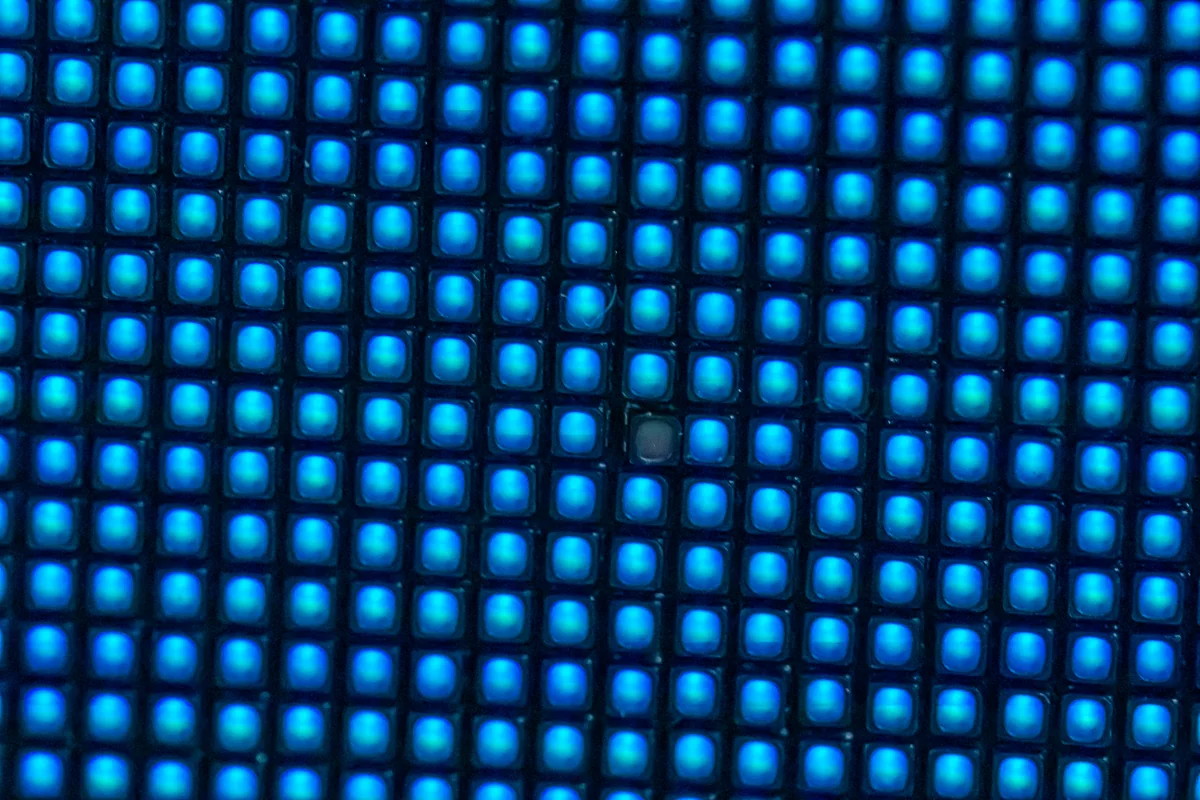
Vertical lines, missing columns, or repeated pixel groups often point toward output channels.
Color loss
One color missing across a group can indicate one failed constant-current channel bank.
Ghosting
Abnormal leakage or timing faults can create dim afterimages and unstable grayscale.
Heat
A shorted IC or output can become warmer than neighboring chips under the same pattern.
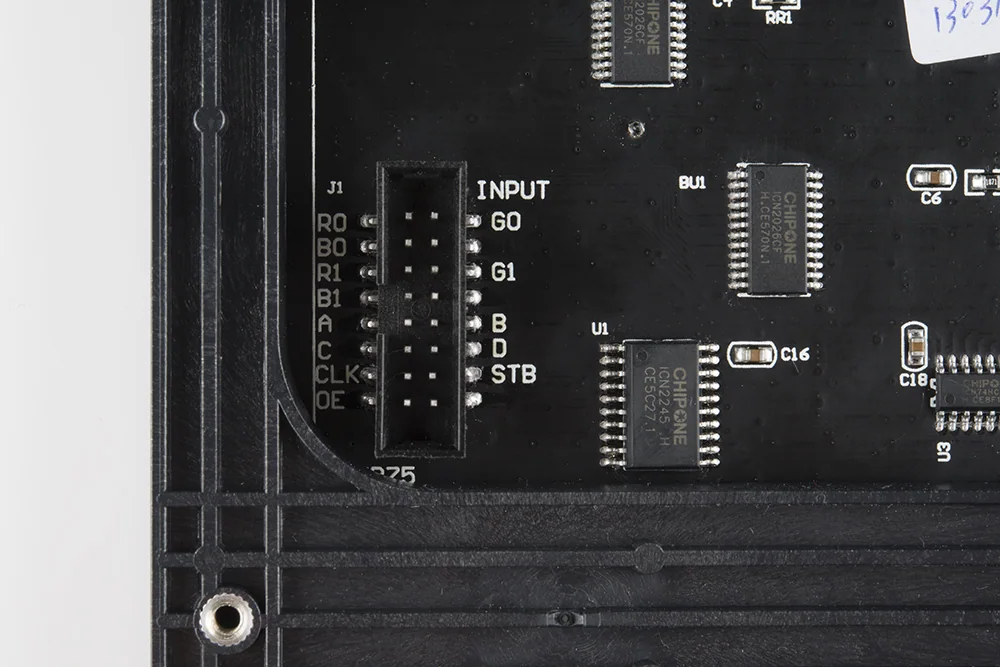
1. Why Driver IC Faults Are Easy to Misdiagnose
LED module driver ICs normally include multiple constant-current output channels. Depending on the module design, one IC may control one color channel, a pixel group, one side of the module, or part of a scan path. A single damaged output can look like one dead LED, while a damaged data or latch path can affect a larger area.
Before replacing the IC, confirm whether the visible fault follows the IC output area. If the symptom moves with a cable, receiving-card port, or module position, the IC may not be the root cause.
| Visible symptom | Possible driver IC cause | Other causes to exclude first |
|---|---|---|
| Vertical line missing or always on | Open or shorted output channel | Broken LED chain, cracked PCB trace, connector pin damage |
| One color missing in a repeated area | Failed color output bank or current sink channel | Wrong LED polarity, damaged lamp bead, data mapping issue |
| Random flicker in a fixed group | Unstable IC supply, weak solder joint, or damaged input signal | Loose HUB cable, low 5 V rail, receiving-card output instability |
| Ghosting or dim afterimage | Output leakage, OE timing issue, or IC aging | Scan MOSFET leakage, incorrect refresh setting, grayscale parameter mismatch |
| IC becomes unusually hot | Internal short or shorted output load | Shorted LED, solder bridge, moisture corrosion, wrong power voltage |
| Whole section dark after one IC | Data cascade input/output failure | Broken signal trace, failed previous IC, missing clock/latch/OE |
2. Common Failure Patterns
Vertical line or repeated column defect
A clean vertical line that stays in the same physical position is one of the most common signs of a driver output problem. Compare the affected line with the IC pinout or with an identical module. If the line corresponds to one output pin or one output group, the IC becomes a strong suspect.
Single color missing in a block
If only red, green, or blue is missing across a repeated group, inspect the corresponding output channel group. A dead LED normally affects a local pixel, while an IC output fault can affect a repeating circuit pattern.
Ghosting and grayscale instability
Driver IC faults can produce low-level leakage, delayed turn-off, or unstable current control. These issues are often more visible on low-gray patterns than on full-bright red, green, blue, or white.
Thermal abnormality
With the module running a controlled test pattern, compare the suspected IC temperature with neighboring ICs. A chip that heats much faster may be shorted internally or driving a shorted load. Do not keep the module powered for long if a chip is abnormally hot.
3. Signals and Rails to Check
The exact pins vary by IC model, but most LED driver circuits depend on a stable power rail, ground, data input/output, clock, latch, output enable, and current-setting reference. Compare the suspected IC with a known-good neighboring IC instead of relying only on one absolute measurement.
VCC and GND
A missing or unstable supply can make a good IC appear faulty. Measure under load, not only with power off.
CLK / LAT / OE
Missing timing signals can cause whole groups to stay dark, flicker, or show ghosting.
Data cascade
If one chip blocks data output, every downstream IC may fail even though only the first IC is bad.
Output pins
Compare resistance and waveform behavior against matching channels on a known-good IC.
4. What Not to Do
- Do not replace driver ICs before checking LED shorts and solder bridges.
- Do not run an overheated IC for a long time to “observe” the fault.
- Do not assume every vertical line is an IC fault; cracked traces and connector pins can create the same line.
- Do not mix different driver IC models unless the module design confirms compatibility.
- Do not use excessive hot air near plastic connectors, masks, or nearby SMD LEDs.
5. Practical Repair Decision
A driver IC is a strong replacement candidate when the fault pattern matches the IC output area, the IC power and input timing are present, the output differs from identical channels, no external short is found, and the same symptom remains after connector and receiving-card checks.
If the board has water corrosion, carbonized copper, multiple shorted LEDs, or damaged vias around the IC, repair the surrounding circuit first. Replacing the IC alone will not fix a damaged load path.
Final Checklist
- Fault position remains fixed on the same module area.
- Power rail and ground are stable at the IC pins.
- CLK, LAT, OE, and data signals match neighboring ICs where expected.
- No short exists on the LED output load.
- The suspected IC shows abnormal output, abnormal heat, or blocked cascade behavior.
- After repair, red/green/blue, full white, grayscale, and moving patterns all pass.