How to Repair Dead Pixels on LED Display Modules
A practical LED module repair workflow for diagnosing dead pixels, identifying whether the fault is caused by an LED lamp bead, solder joint, driver IC, row signal, power supply, or PCB trace, and completing a reliable repair.
LED Module Repair Guide
Cover photo: Junyu-K — source · CC BY 4.0 (this WebP version uses the same license). Resized/WebP; no AI retouching.
How to Repair Dead Pixels on LED Display Modules
A dead pixel does not always mean the LED lamp bead itself has failed. The real cause may be a cracked solder joint, damaged PCB trace, missing row signal, faulty driver IC, unstable power rail, or incorrect data connection.
The fastest repair comes from identifying the fault pattern before touching the soldering iron.
One Pixel Off
Usually inspect the LED package, solder pads, polarity, and local PCB connection first.
A Row or Column Off
Suspect row decoding, driver outputs, data lines, OE/LAT/CLK signals, or a broken PCB trace.
Random Flicker
Check power quality, connector contact, cold solder joints, moisture, and intermittent IC outputs.
1. Classify the Failure Pattern First
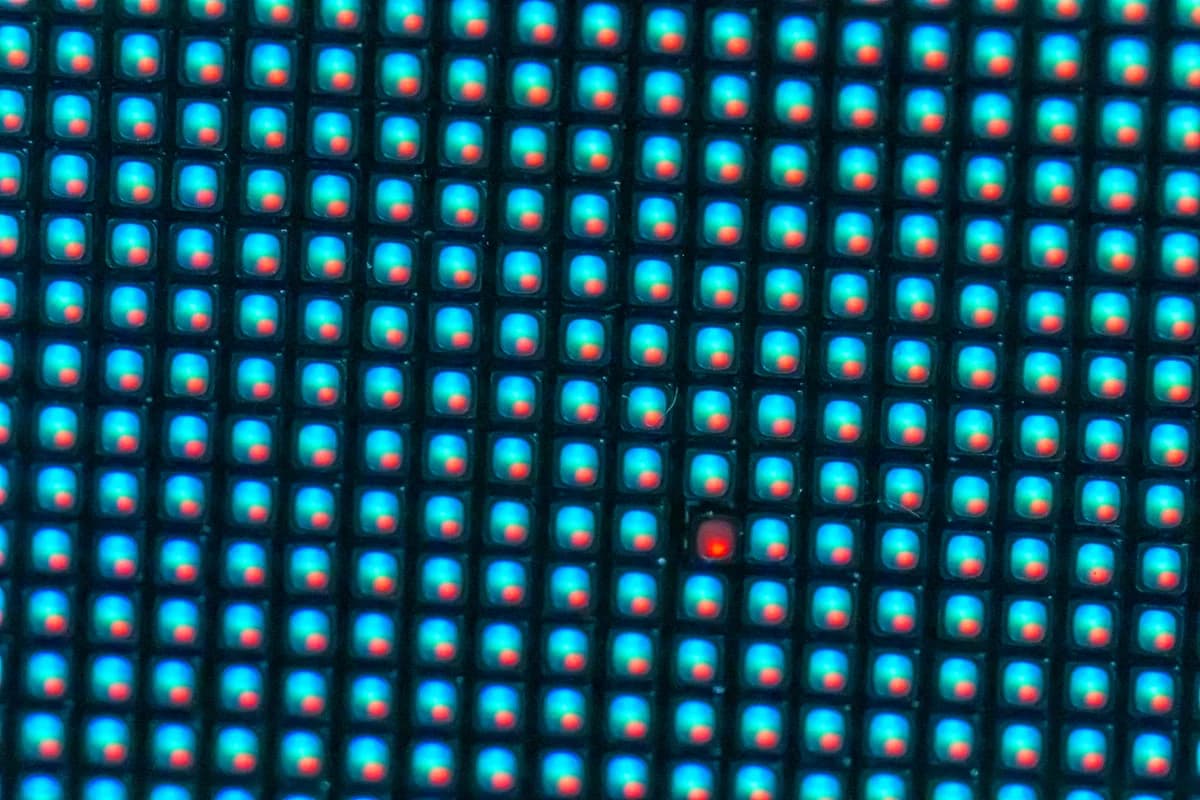
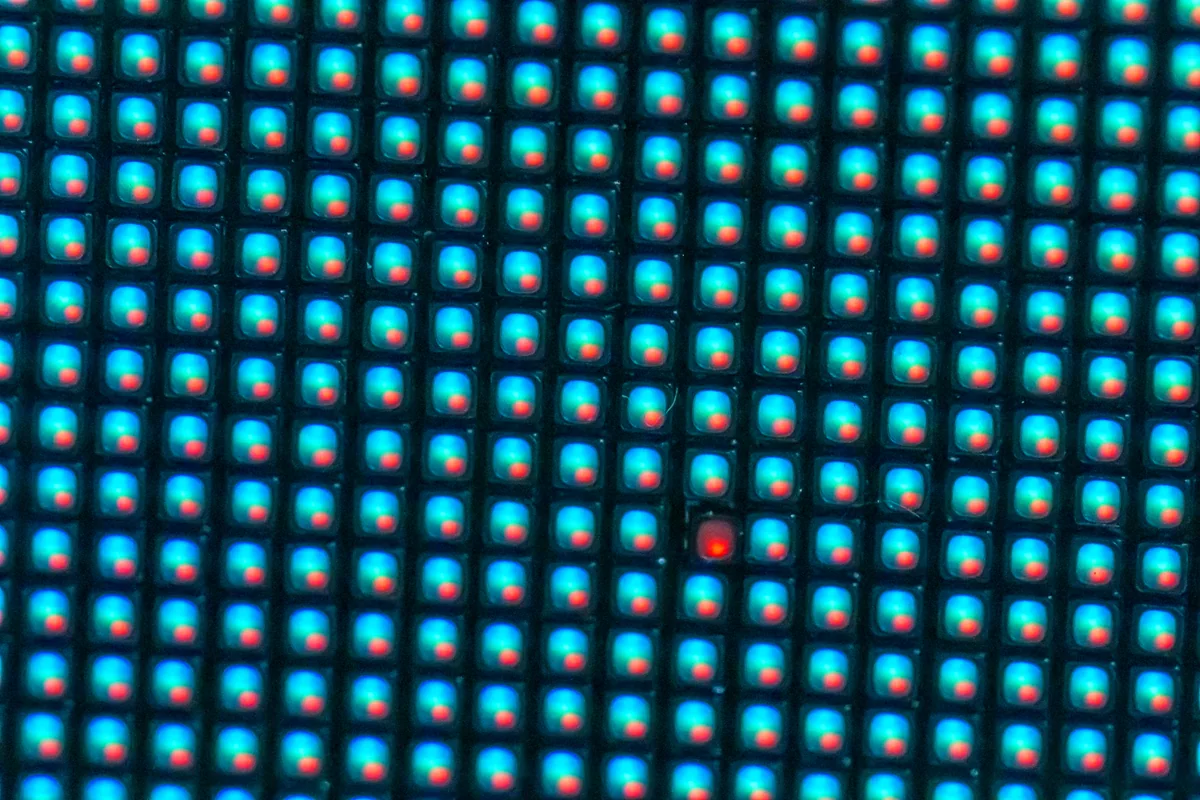
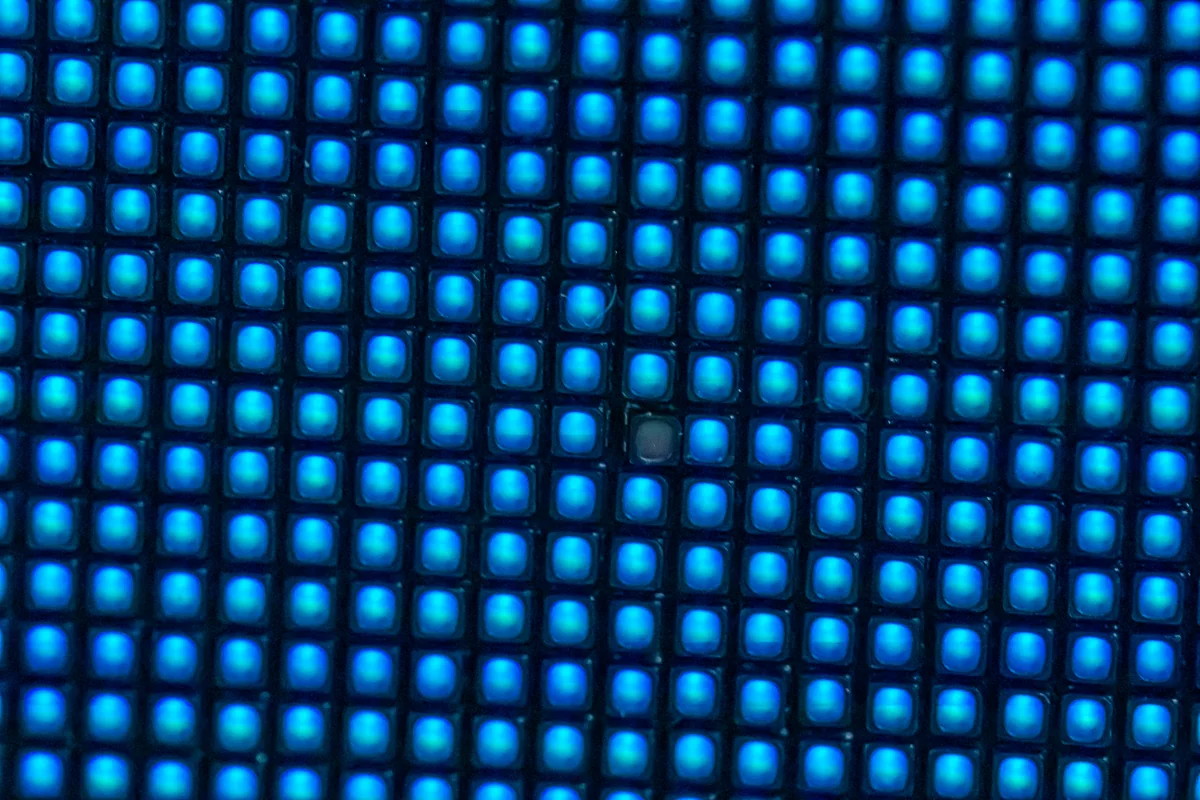
Run the module with a full-screen red, green, blue, white, and low-gray test pattern. Observe whether the defect affects one subpixel, one complete RGB pixel, a short group, a straight row, a straight column, or a large rectangular area.
| Visible symptom | Most likely area to inspect |
|---|---|
| Only red, green, or blue is missing | One channel inside the SMD LED, its solder pad, or the corresponding constant-current output |
| All three colors of one pixel are off | Common anode/cathode connection, LED package soldering, local trace, or scan-line connection |
| Several pixels in a vertical line are off | Driver IC output, data cascade path, or column trace |
| A horizontal row is missing | Row decoder, MOSFET, 74HC138/4953 circuit, or scan signal |
| Pixels flicker when the module is pressed | Cold solder joint, cracked via, connector, or mechanically damaged PCB |
| Large area is dark | 5 V power rail, HUB connector, receiving card output, fuse, or module input |
2. Tools Recommended for Pixel Repair
- LED module test card or receiving-card test program
- Digital multimeter with diode and continuity modes
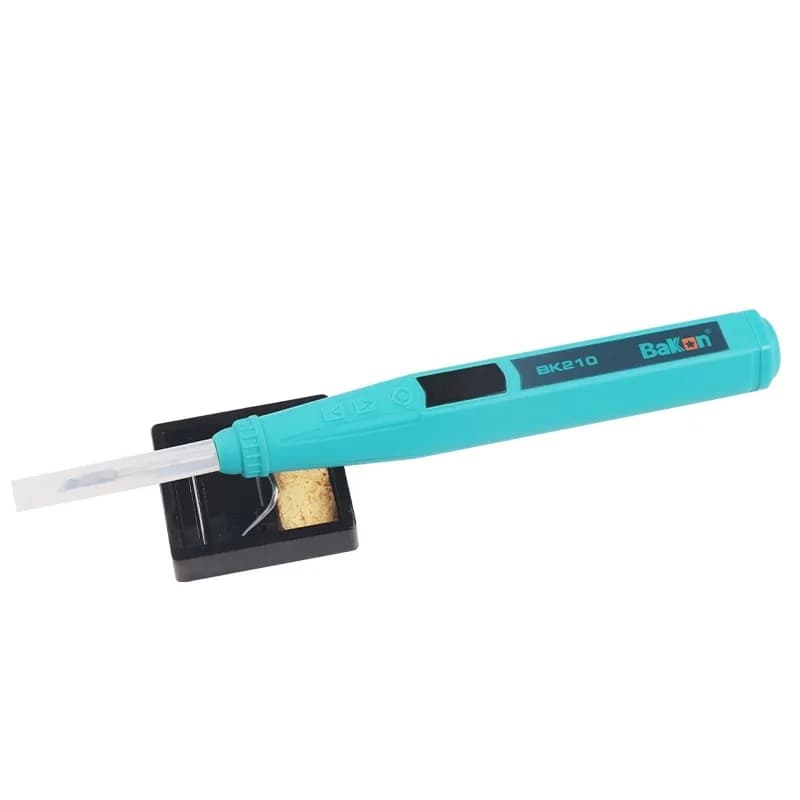
- Temperature-controlled soldering iron with a fine tip
- Hot-air rework station with controllable airflow
- Microscope or high-magnification inspection camera
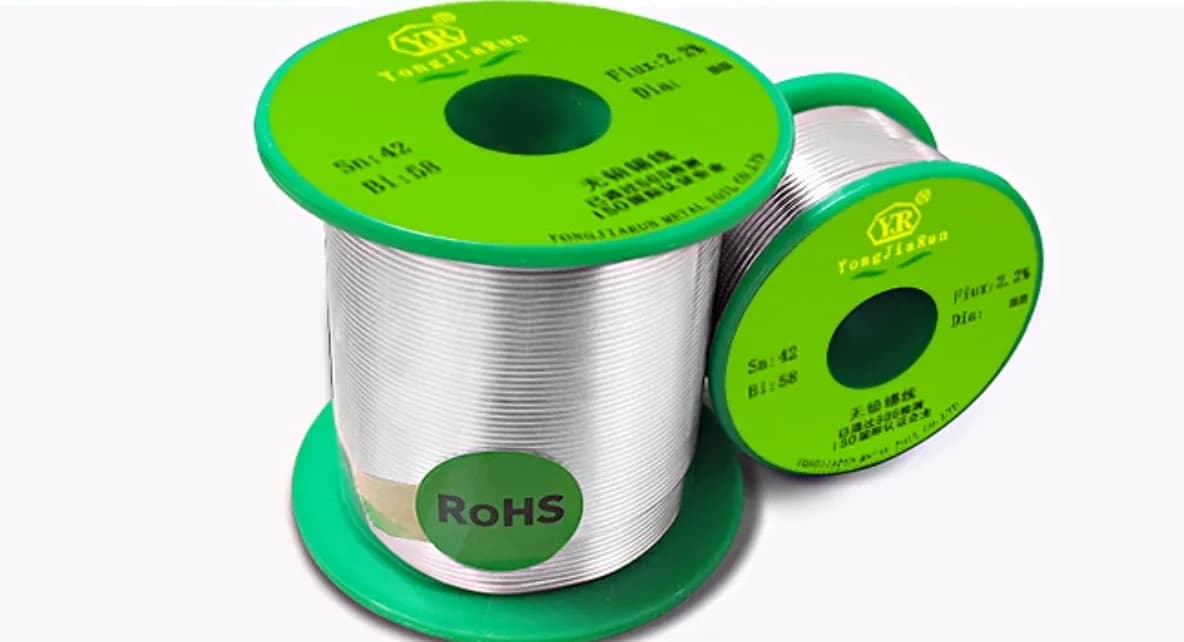
- Flux, low-temperature solder, solder wick, tweezers, and PCB cleaner
- Correct replacement LED from the same package, polarity, color, brightness, and wavelength bin
- ESD mat and wrist strap
3. Confirm the LED Lamp Bead Is Actually Faulty
Disconnect the module from the power supply. Under magnification, inspect the suspect LED for impact marks, blackening, moisture corrosion, lifted corners, solder bridges, missing pads, and cracked encapsulation.
Use the multimeter diode mode cautiously to compare the suspect channel with a known-good neighboring pixel. Readings vary by module design, so the comparison is more useful than an absolute value. If the neighboring LEDs respond similarly but the suspect LED is open or shorted, replacement is justified.
Important: never inject an unknown voltage directly into a fine-pitch LED. Excess current can damage the LED, driver IC, or an entire scan group.
4. Replace a Faulty SMD LED Pixel
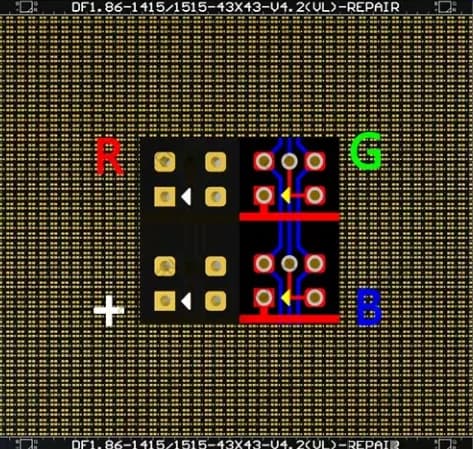
- Record orientation. Photograph the module and identify the cathode/anode mark before removal.
- Protect nearby pixels. Use heat-resistant tape or a suitable rework shield where necessary.
- Apply a small amount of flux. Too much flux can spread contamination beneath neighboring LEDs.
- Remove the damaged LED. Heat evenly with controlled hot air. Lift vertically only after all pads have released.
- Clean and inspect the pads. Remove excess solder with wick. Verify that no pad or copper trace has lifted.
- Tin the pads evenly. Unequal solder volume can tilt the replacement LED and cause color-angle differences.
- Place the new LED in the correct polarity. Align it with the module grid under magnification.
- Reflow with minimum necessary heat. Stop as soon as the solder wets and the component settles.
- Clean and test all colors. Check red, green, blue, white, grayscale, and low-brightness performance.
5. If a New LED Still Does Not Light
If the replacement bead remains dark, stop replacing components and trace the circuit. Check continuity from the LED pads to the relevant driver output and scan line. Compare resistance and waveform behavior with an identical working channel.
Check the PCB path
Inspect vias, solder masks, copper tracks, and pads. Repair a broken trace with fine insulated wire only when the route is confirmed.
Check the driver output
A failed constant-current channel may keep one color or a group of pixels dark even when the LED is good.
Check scan signals
For a missing row, verify decoder outputs, row MOSFETs, OE, LAT, CLK, and address lines.
Check the power rail
Measure voltage at the module under load. Excessive drop can create dim, unstable, or missing pixels.
6. Final Quality-Control Checklist
- The repaired LED is straight and at the same height as neighboring pixels.
- No solder bridge exists between RGB pads.
- Red, green, and blue work independently.
- White balance is visually consistent at low and high brightness.
- The pixel remains stable after the module warms up.
- Gentle flexing or tapping does not cause flicker.
- The repaired area is cleaned and protected against remaining flux residue.
Final Thoughts
Professional dead-pixel repair is a diagnostic process, not simply a lamp-bead replacement process. Start with the failure pattern, verify the LED electrically, inspect the PCB path, and only then replace the correct component.
When the replacement LED matches the original package and optical bin, the soldering profile is controlled, and the drive circuit is healthy, a repaired module can return to stable operation without visible color or brightness differences.